Orchastrate your tmux sessions and CLI agents from anywhere.
curl -fsSL https://orcha.cc | sh
orcha up
On the machine where your agents run. Linux or macOS. Then scan the QR it prints.
other ways
# read it first
curl -fsSL https://orcha.cc/install.sh | less
# from source
go install github.com/orcha-cc/orcha/cmd/orcha@latest
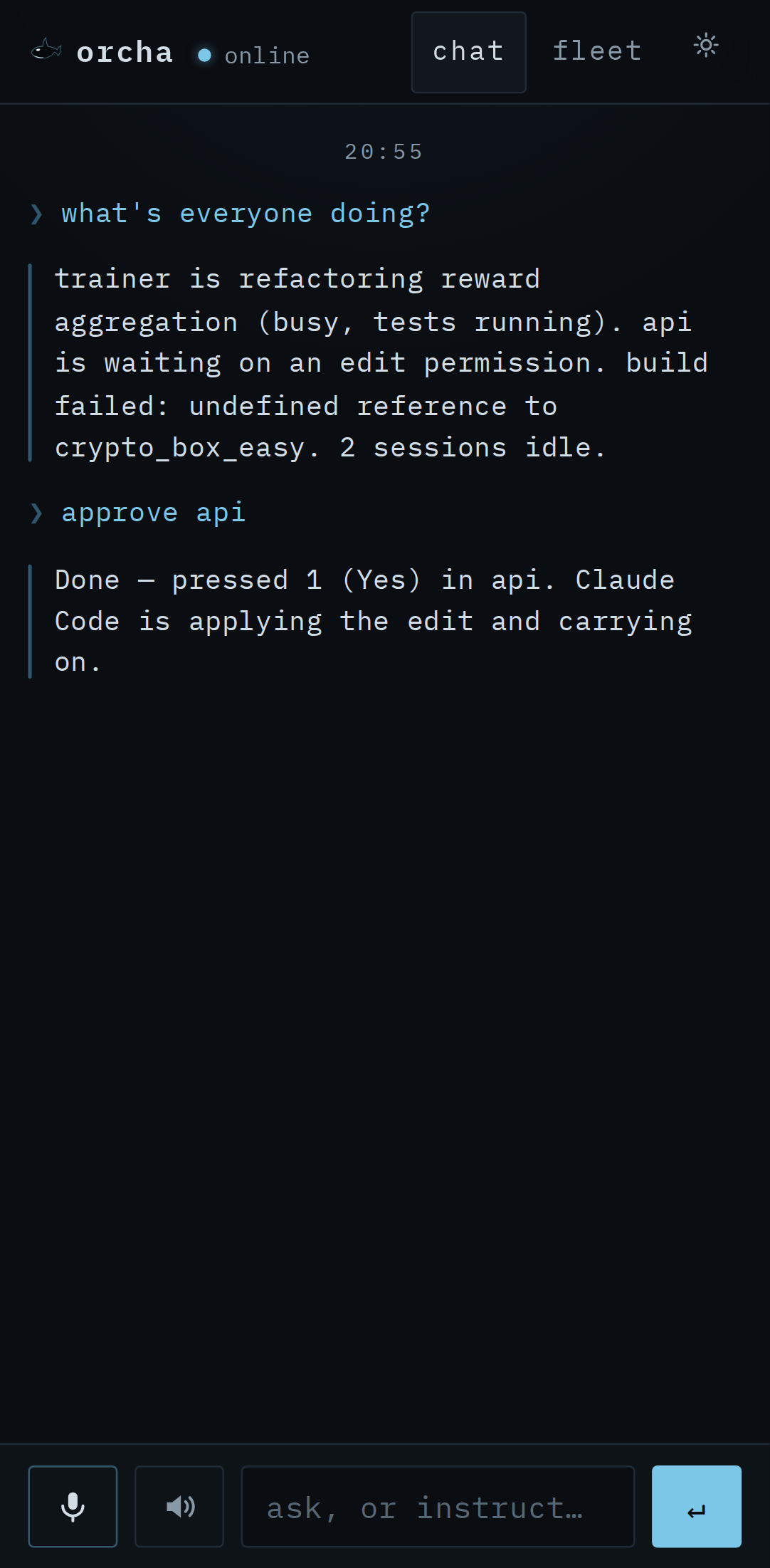 ▶run the live demo
- Any agent running in tmux. Bring your own Claude Code, Codex, or other CLI.
- Use your own model to orchestrate. Claude, Codex, Gemini or Ollama.
- High-level control. One chat to summarize and steer all sessions.
- Low-level control. Drop into any single pane and type.
- End-to-end encrypted. Only your devices hold the keys.
- Push notifications. Your phone pings when a session needs you.
- Voice control. Speak and listen.
- Open source. MIT licensed.
A better remote control
your phoneor any browser
orchaon your machine
tmux panesclaude · codex · ollama